 Zinn® Boards
Invite your team and choose roles
Add people to a board as a board manager, board member or client, and understand what each role can do.
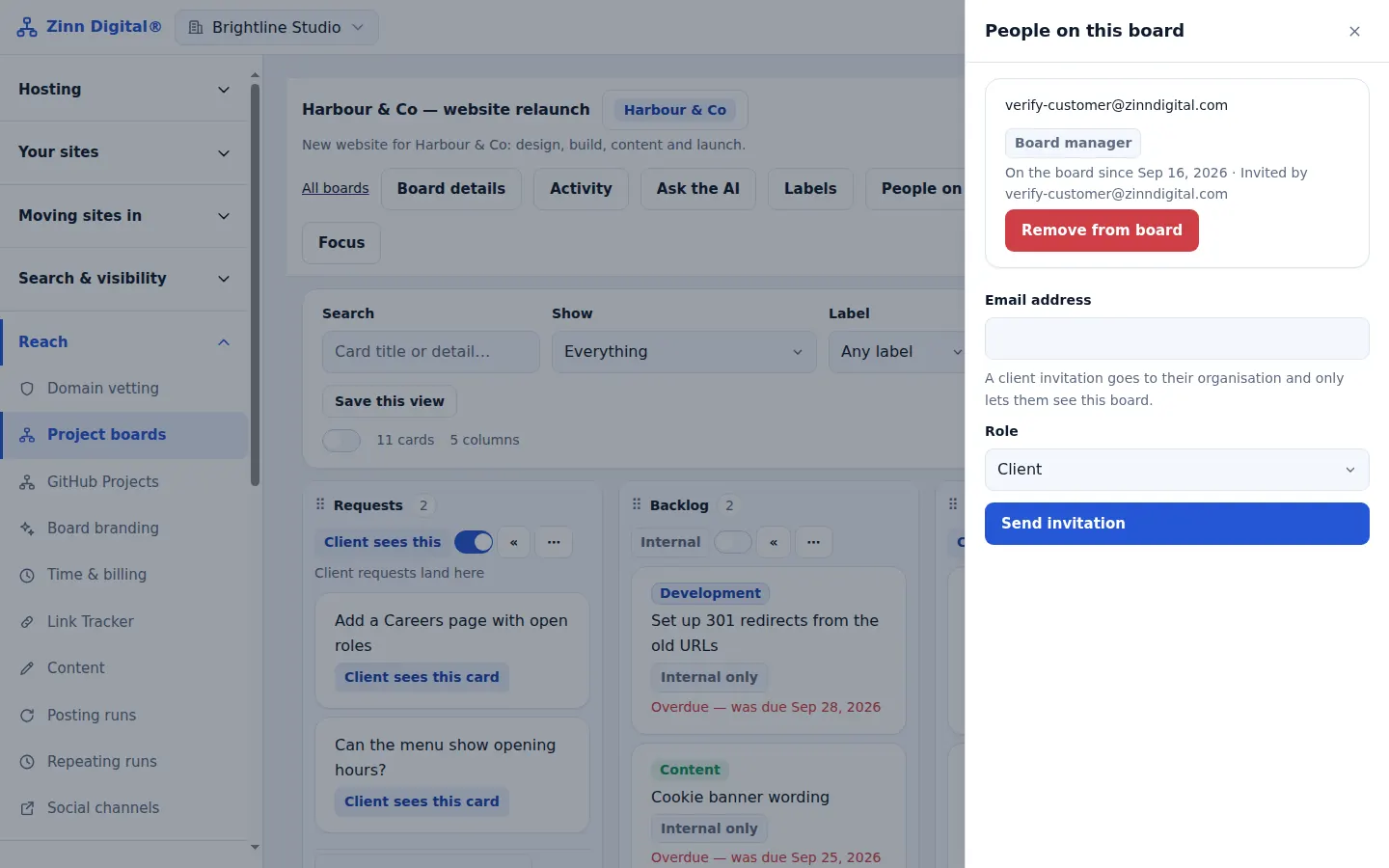
Open the people panel
On the board, find People on this board and choose Invite someone.
Enter an email and a role
Board manager has full control, including who is on the board. Board member works the board but cannot change its members. Client sees only the client view.
Send the invitation
Choose Send invitation. The person receives an email and joins the board when they accept.
Know the Free plan limit
The Free plan allows up to five people on its board. Pro and Business have no limit on people.
Free with Zinn Digital® hosting
Get Zinn® Boards free on Agency and Reseller hosting
Every Zinn Digital® Agency and Reseller hosting plan includes Zinn® Boards, with AI and API access, at no extra cost. Host your clients' sites and run their projects in one account, on one bill.