 Zinn® Boards
Choose what your client sees
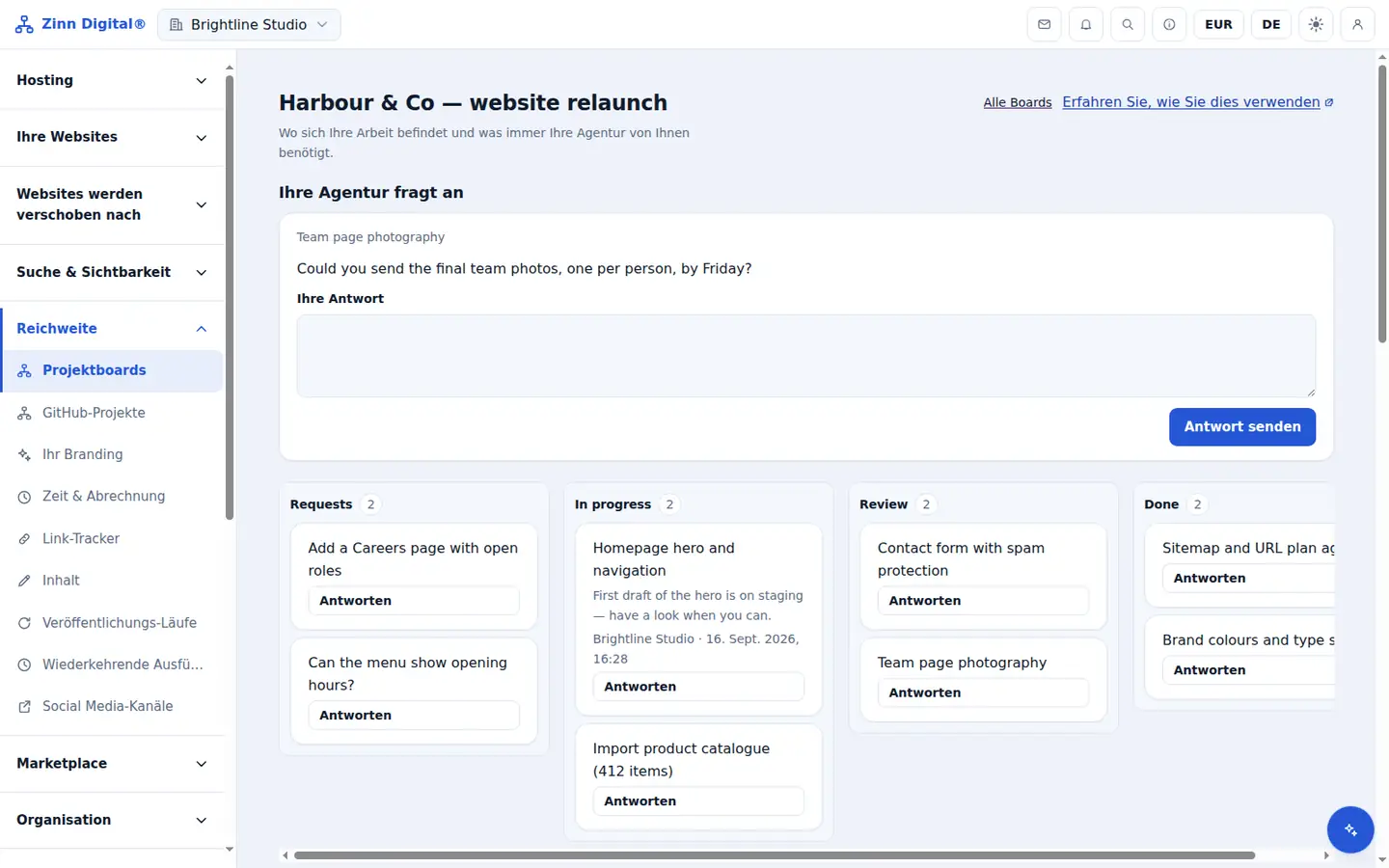
Control visibility on columns, cards and comments so the client view shows exactly what you intend.
Share a column
For each column the client should follow, turn on Client can see this column.
Share a card
Open a card and turn on Client sees this card. A card appears in the client view only when both the card and its column are shared.
Keep comments internal
Each comment is agency-only or shared. Use agency-only comments for internal notes.
Labels stay internal
Labels are never shown to clients, so you can use them for your own triage.
Check what a client sees
Create a read-only share link and open it in a private browser window. It shows exactly the shared columns and cards, and nothing else.
Free with Zinn Digital® hosting
Get Zinn® Boards free on Agency and Reseller hosting
Every Zinn Digital® Agency and Reseller hosting plan includes Zinn® Boards, with AI and API access, at no extra cost. Host your clients' sites and run their projects in one account, on one bill.