 Zinn® Boards
Client requests and questions
How clients raise requests, and how to ask a client a question on a card and get the answer back.
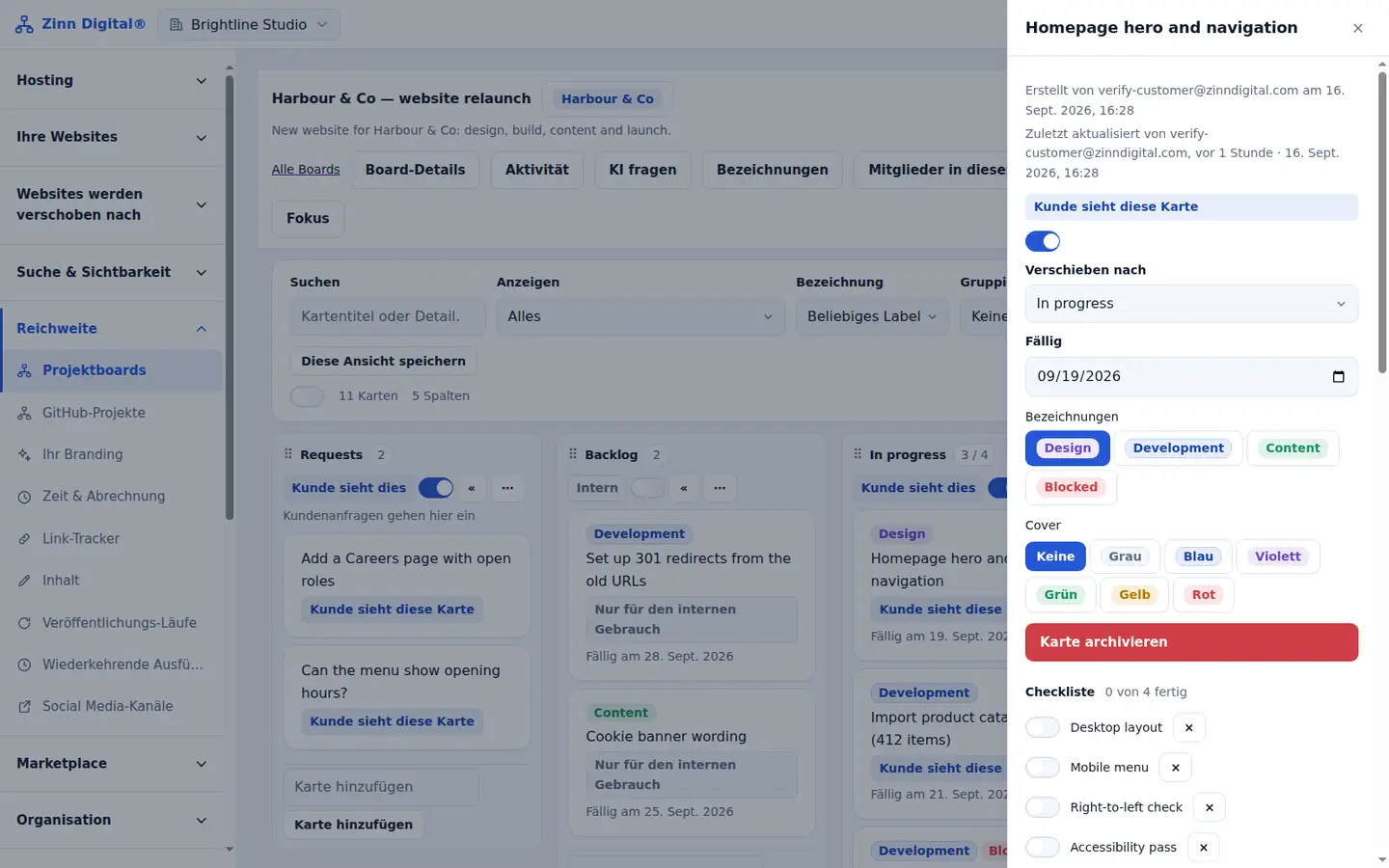
Clients raise requests
From the client view, a client raises a request. It arrives as a card in your Requests column, with who asked and when, and you receive an email.
Ask a question on a card
Open a shared card and ask the client a question. They are emailed and answer on the board.
See the answer
The answer is recorded on the card and you are emailed. If the question is no longer needed, withdraw it.
Automate the follow-up
Use an automation with the trigger question answered to move the card or notify the team.
Free with Zinn Digital® hosting
Get Zinn® Boards free on Agency and Reseller hosting
Every Zinn Digital® Agency and Reseller hosting plan includes Zinn® Boards, with AI and API access, at no extra cost. Host your clients' sites and run their projects in one account, on one bill.